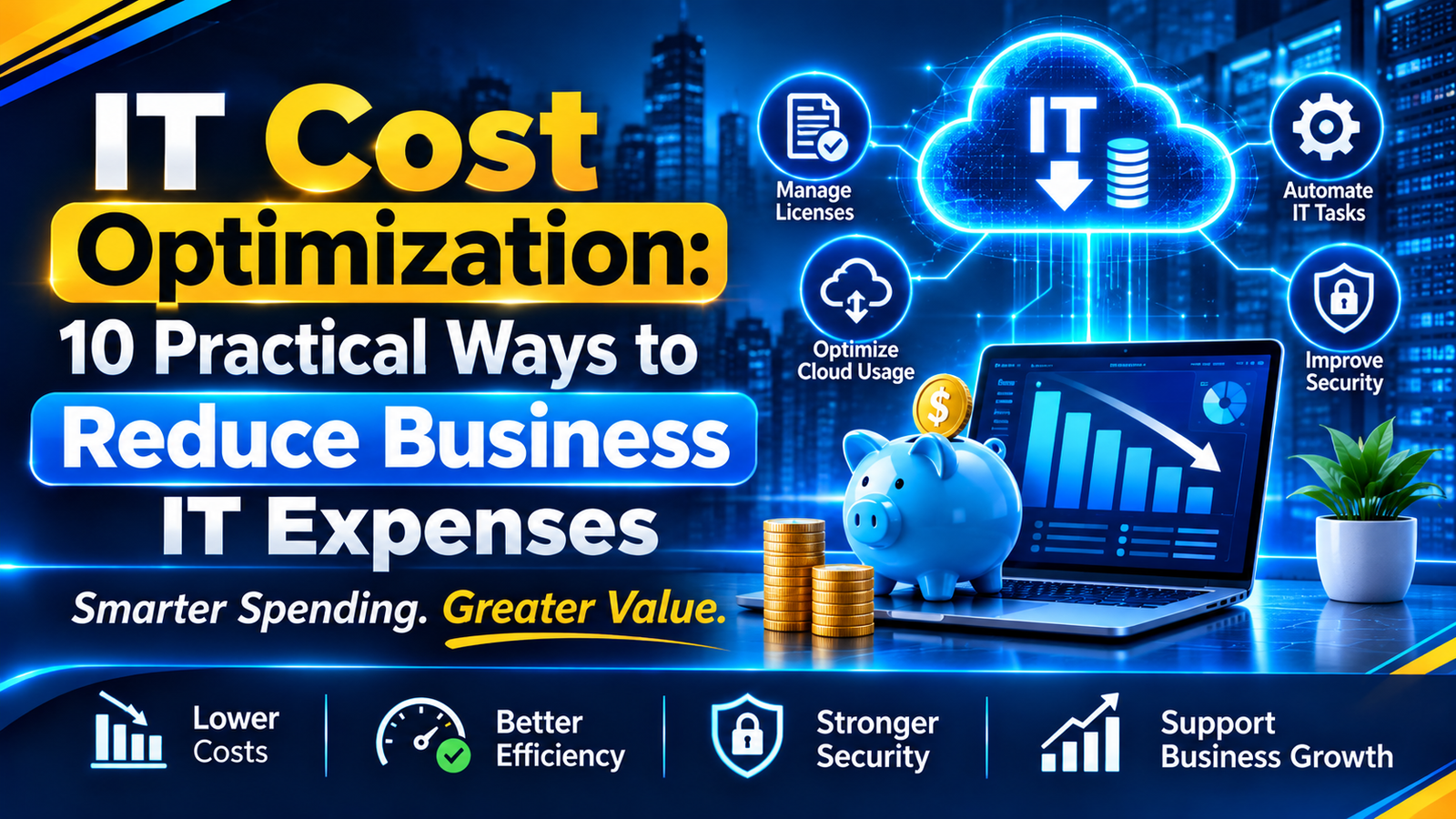
IT Cost Optimization: 10 Practical Ways to Reduce Business IT Expenses
Introduction
Technology plays an important role in modern business. Companies use software, cloud services, computers, and networks every day. These tools help teams work faster and serve customers.
However, technology also brings regular costs. Software fees, cloud bills, hardware, and IT support can increase business expenses. Poor planning can make these costs even higher.
IT cost optimization helps businesses reduce waste and get more value from their technology budget. It focuses on using the right tools, improving resources, and controlling expenses without harming performance or security.
For example, a company may pay for 100 software accounts but have only 70 active users. Removing the unused accounts can reduce its monthly software bill.
This guide explains 10 ways to control IT costs. It also covers cloud spending, common mistakes, and the role of IT consulting.
What Is IT Cost Optimization?
IT cost optimization is the process of managing technology expenses while meeting business needs. It helps companies find waste, improve resource use, and make better IT decisions.
It covers several areas, including:
- Software and license costs
- Cloud services and data storage
- Computers, servers, and networks
- IT support and maintenance
- Cybersecurity and data backup
The goal is not to spend as little as possible. The goal is to get the best value from every IT investment.
A low-cost tool may not always be the best choice. It could lack key features or create security risks. Businesses should compare cost, quality, and long-term value before making changes.
Why Is IT Cost Optimization Important?
IT costs can grow as a business adds more users, tools, and services. Regular cost reviews help companies stay in control.
Here are five key benefits.
1. Lower Unnecessary Expenses
Businesses often pay for tools they no longer use. They may also have duplicate software or extra cloud storage.
A cost review helps find these expenses. Companies can then remove services that no longer provide value.
2. Better Budget Planning
A clear IT budget helps managers plan future spending. It also makes it easier to prepare for renewals, upgrades, and repairs.
3. Better Use of Resources
Some systems have more storage or computing power than they need. Adjusting these resources can reduce waste.
4. More Reliable IT Operations
Regular maintenance helps find problems before they cause major failures. It can reduce downtime and emergency repair costs.
5. Support for Business Growth
A well-planned IT setup can grow with the business. Companies can add users and services when needed, rather than buying extra resources too early.
10 Effective IT Cost Optimization Strategies
Businesses can use the following methods to manage technology expenses. Start with simple changes, then plan larger improvements.
1. Review All IT Expenses
First, check where the IT budget goes. Review software bills, cloud invoices, hardware costs, and support fees.
Look for services that are no longer useful. Also check for tools that offer the same features.
Ask these questions during the review:
- Is this service still needed?
- How many people use it?
- Does it support an important business task?
- Is there a better plan or option?
Keep a record of each cost. This will help managers compare spending and find areas that need attention.
2. Remove Unused Software Licenses
Software licenses can become a hidden expense. A business may keep paying for accounts after employees leave or change roles.
Review active users before each renewal. Remove accounts that are no longer needed. Also check whether every user needs the same plan.
For example, a company may pay for 50 licenses but have only 35 active users. Removing the extra 15 licenses can lower its subscription costs.
3. Control Cloud Spending
Cloud services offer flexible storage and computing power. However, unused resources can still increase monthly bills.
Businesses should check cloud usage on a regular basis. They should also remove old test systems and unused storage.
Choose resource sizes based on actual demand. Use automatic scaling when workloads change often. Set spending alerts to catch unexpected increases.
Microsoft's Cost Optimization guidance also recommends monitoring costs and matching resources to demand.
4. Upgrade Old Systems with a Plan
Old computers and servers may need frequent repairs. They can also run slowly and lack support for newer software.
However, replacing every old system can be costly. First, compare repair costs with upgrade or replacement costs.
Focus on systems that create security risks or slow down important work. A planned upgrade can improve performance and reduce future support needs.
5. Automate Repetitive IT Work
Many IT tasks happen again and again. These include backups, software updates, user account checks, and system reports.
Automation can handle many of these tasks. It saves employee time and reduces manual errors.
For example, an automated backup can run on a set schedule. The IT team can then check backup reports instead of starting each backup by hand.
6. Use Preventive IT Maintenance
Waiting for equipment to fail can lead to high repair costs. It can also stop employees from working.
Preventive maintenance helps reduce this risk. Check computers, servers, networks, and applications on a regular schedule.
Install important updates and test backups. Replace failing parts before they cause major problems.
7. Combine Duplicate Tools
Some teams use different apps for the same task. One team may use one file-sharing tool, while another uses a similar service.
This can increase subscription and support costs. It can also make data sharing harder.
Review the tools used across departments. If one platform can meet the needs of several teams, consider combining services.
Before making a change, check data security, user needs, and integration options.
8. Track IT Assets
IT asset management means keeping a record of company technology. This includes computers, servers, software, and network devices.
A clear asset record helps managers see what the business owns. It also shows where each item is used and when it needs repair or replacement.
This can prevent duplicate purchases. It also helps teams track software renewals and hardware warranties.
9. Choose the Right IT Support Model
Every business needs technical support. But not every business needs a large in-house IT team.
Some companies use internal staff. Others use managed IT services or remote support. A hybrid model may also work.
Compare the cost, response time, security needs, and level of support. Choose a model that fits the size and needs of the business.
10. Track IT Costs with Clear KPIs
Cost optimization needs regular checks. Without measurement, managers may not know whether changes are working.
Track these key performance indicators:
- Total IT spending
- IT cost per employee
- Cloud cost by service or project
- Number of unused software licenses
- System downtime
- IT support cost per user
Review these numbers every month or quarter. Compare them with past results and the approved budget.
Cloud IT Costs vs. Traditional IT Costs
Businesses may use physical servers, cloud services, or both. Each option has different costs.
| Area | Traditional IT | Cloud IT |
| Infrastructure | Physical servers and devices | Online computing resources |
| Payment | Hardware and setup costs | Usage-based or fixed plans |
| Maintenance | Internal hardware care | Cloud service management |
| Scaling | Buy more hardware | Add or remove resources |
| Cost tracking | Asset and repair records | Usage and billing reports |
| Common risk | Unused hardware | Unused cloud resources |
Traditional IT often needs a larger upfront investment. Cloud IT can reduce that need, but poor usage control can increase monthly bills.
The right choice depends on business needs, security, workload, and long-term costs. Some companies use both models.
Common IT Cost Optimization Mistakes
Cutting costs without a plan can create new problems. Businesses should avoid these common mistakes.
Cutting Security Spending
Removing key security tools can put business data at risk. Keep essential protection, updates, access controls, and backups in place.
Choosing Only the Cheapest Tool
A cheap tool may not meet business needs. Check its features, support, security, and total cost before buying.
Ignoring Employee Needs
Removing a tool without asking its users can slow down work. Speak with teams before making major changes.
Delaying Important Upgrades
Old systems may cost more to maintain. They may also create security and performance issues.
Focusing Only on Quick Savings
Some changes need an initial investment. Automation and system upgrades may cost more at first but can reduce future expenses.
Always consider long-term value, not just the next bill.
How to Build an IT Cost Optimization Plan
A clear plan helps businesses control costs without making rushed decisions.
Step 1: Check Your Current IT Setup
List the hardware, software, cloud services, and support plans used by the business. Record their costs and purpose.
Step 2: Set Clear Goals
Decide what you want to improve. For example, you may want to reduce unused licenses or control cloud spending.
Step 3: Find the Biggest Cost Problems
Compare spending with actual use. Focus first on costs that offer little value or create waste.
Step 4: Set a Timeline
Give each change a clear deadline and owner. Start with easy actions, such as removing unused accounts.
Plan larger changes, such as system upgrades, in stages.
Step 5: Measure the Results
Compare new costs with the old budget. Also check performance, security, and employee feedback.
If service quality falls, review the changes. Cost savings should not create bigger problems.
How IT Consulting Services Support Cost Optimization
IT cost reviews can be difficult for businesses without technical experts. Companies may not know which systems to upgrade, replace, or remove.
IT consulting services help businesses review their technology setup. Consultants can study current systems, find gaps, and suggest practical improvements.
For example, a review may find unused cloud resources, duplicate software, or old hardware. The business can then decide which changes offer the best value.
IT consultants can also help with:
- IT budget planning
- Software and hardware reviews
- Cloud resource planning
- System upgrades
- IT infrastructure improvements
Riotech offers IT Consulting Services to help businesses assess their technology needs and plan suitable IT solutions.
IT Cost Optimization Trends to Watch
New tools are changing how businesses manage technology costs. Three areas are worth watching.
AI-Based IT Monitoring
AI tools can study system data and flag unusual patterns. They can help IT teams find resource waste and possible issues.
However, businesses should review AI suggestions before making major changes.
FinOps for Cloud Cost Control
FinOps brings finance, business, and technology teams together to manage cloud spending.
It helps teams understand who uses cloud resources and why costs change. The FinOps Framework offers guidance on building this shared approach.
Energy-Efficient IT
Energy-efficient devices and data centers can help reduce power use. Businesses can also review equipment settings and remove devices they no longer need.
These steps can lower running costs and support better resource use.
Frequently Asked Questions
What is IT cost optimization in simple words?
IT cost optimization means reducing waste in technology spending. It helps businesses use software, hardware, cloud services, and IT staff more effectively.
How can a small business reduce IT costs?
A small business can remove unused software accounts, review cloud bills, use automation, and maintain existing equipment. It should also compare IT support plans before choosing one.
Does IT cost optimization mean cutting the IT budget?
No. It means getting better value from the IT budget. A business may need to invest in better tools to reduce future costs.
How often should a business review IT costs?
A business should review its IT budget every quarter. It should also check cloud bills and software usage each month.
What is cloud cost optimization?
Cloud cost optimization means managing cloud resources to avoid waste. It includes checking usage, removing idle resources, and choosing suitable service plans.
Can IT consulting reduce business technology costs?
Yes. IT consultants can review existing systems and identify areas where businesses may save money. They can also suggest upgrades and better ways to manage resources.
Conclusion
IT costs can grow when businesses add more tools, users, and services. Without regular checks, companies may pay for resources they do not need.
IT cost optimization helps businesses reduce waste, improve resource use, and protect the value of their technology investments.
Start with a review of software, cloud services, and IT assets. Then improve maintenance, automate routine tasks, and track results.
Most importantly, do not cut costs at the expense of security or performance. A clear plan helps businesses save money while keeping their systems reliable.
For help reviewing your IT setup, explore Riotech IT Consulting Services.
Recent Posts


11 Nov 2026
10 Nov 2026