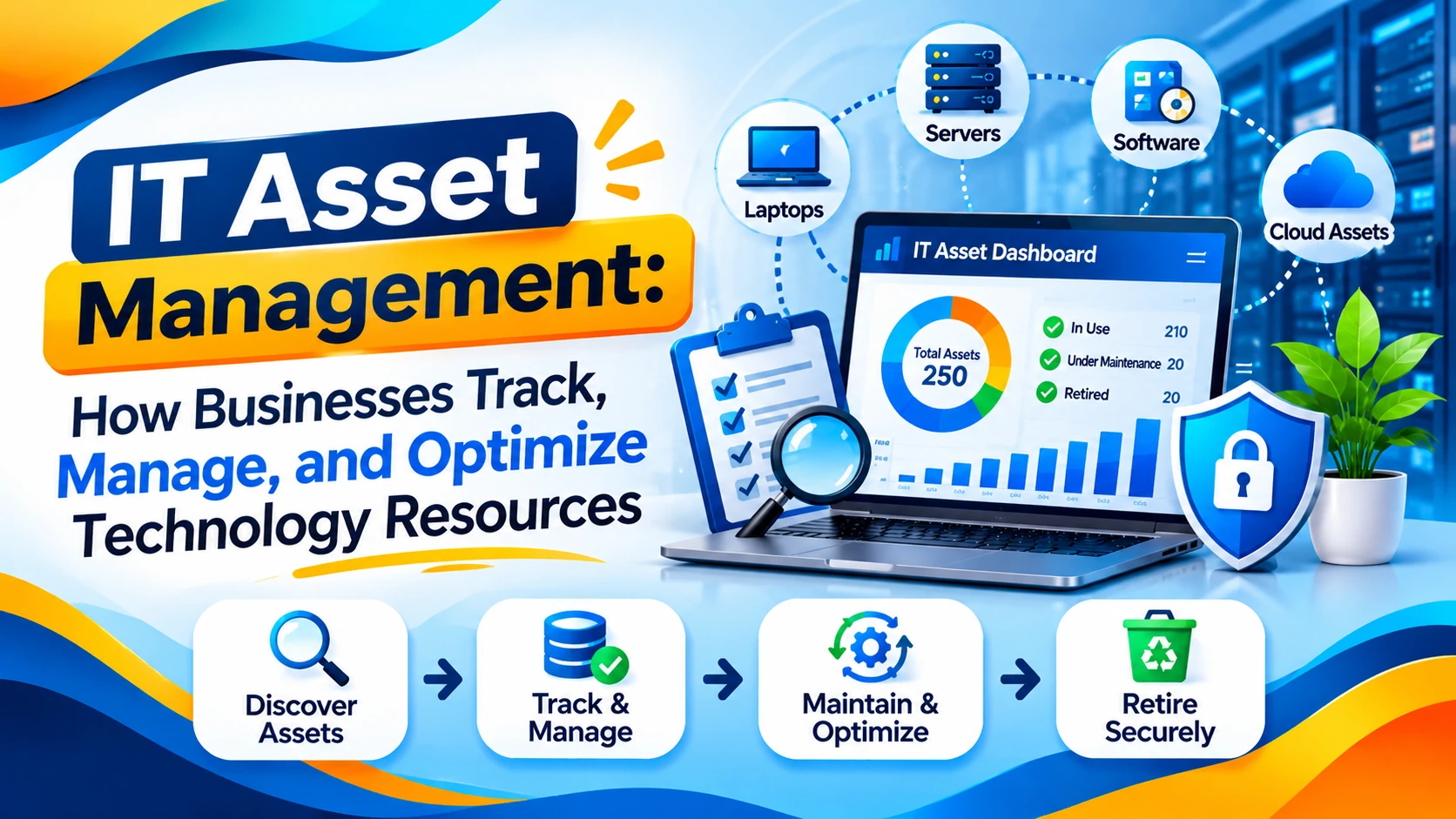
IT Asset Management: How Businesses Track, Manage, and Optimize Technology Resources
Introduction
Every business uses technology to work smoothly. Computers, laptops, software, servers, and cloud services are part of daily operations.
But managing these resources can be difficult. Businesses may lose track of devices, pay for unused software, or forget important renewal dates. These problems can increase costs and create security risks.
IT Asset Management (ITAM) helps businesses manage all their technology resources in one organized process. It helps companies track what they own, where each asset is used, who is responsible for it, and when it needs maintenance or replacement.
In this guide, we explain what IT Asset Management is, how it works, its benefits, and how businesses can improve their IT asset management process.
What Is IT Asset Management (ITAM)?
IT Asset Management (ITAM) is the process of tracking, managing, and maintaining a company's IT resources throughout their lifecycle.
It covers the complete journey of an IT asset. This starts when a business purchases or acquires it. It ends when the asset is replaced, retired, or disposed of.
ITAM helps businesses answer important questions:
- What IT assets does the company own?
- Where are these assets being used?
- Which employee is using each device?
- Are software licenses being used?
- When will an asset need maintenance or replacement?
- How much does the company spend on IT resources?
For example, a company with 100 employees may have 100 laptops, several servers, and many software subscriptions. An ITAM system helps the company maintain accurate records of these resources.
Types of IT Assets Businesses Need to Manage
IT assets include more than computers and laptops. They cover different types of technology used across a business.
1. Hardware Assets
Hardware assets are the physical devices used by employees and IT teams.
Common examples include:
- Desktop computers
- Laptops
- Printers and scanners
- Servers
- Routers and switches
- Mobile phones
- Storage devices
Businesses should track each device's purchase date, location, assigned user, warranty, and condition.
2. Software Assets
Software assets include applications and programs used for business operations.
Examples include:
- Operating systems
- Office applications
- Accounting software
- CRM platforms
- Security software
- Design and development tools
Companies should monitor software licenses, subscription costs, renewal dates, and usage. This helps prevent unnecessary purchases and license violations.
3. Cloud Assets
Many businesses use cloud platforms to store data and run applications.
Cloud assets may include:
- Cloud servers
- Online storage
- Virtual machines
- Cloud databases
- Hosted applications
- Cloud subscriptions
Tracking these resources helps businesses understand cloud usage and control monthly spending.
4. Network and Digital Assets
Businesses also depend on network infrastructure and other digital resources.
Examples include:
- Network equipment
- Firewalls
- Domain names
- Digital certificates
- IP addresses
- Network security tools
Managing these assets helps IT teams maintain secure and reliable systems.
How Does the IT Asset Management Lifecycle Work?
IT Asset Management follows a process called the asset lifecycle. It covers each stage from acquiring an asset to retiring it.
1. Asset Discovery
The first step is to identify all IT assets used by the business.
IT teams collect information about devices, software, cloud resources, and network equipment. This helps them understand what the company currently has.
2. Asset Registration
After discovery, each asset is added to a central record or asset management system.
The record may include:
- Asset name and type
- Serial number or asset ID
- Purchase date
- Cost
- Location
- Assigned employee
- Warranty details
Accurate records make assets easier to find and manage.
3. Asset Assignment
The next step is to assign assets to employees, teams, or departments.
For example, when a new employee joins a company, the IT team may assign a laptop, mobile phone, and required software.
The company should record who received each asset and when it was assigned.
4. Asset Monitoring and Maintenance
IT assets need regular monitoring to keep them working properly.
IT teams should check device health, software updates, warranty status, and security requirements.
Regular maintenance can reduce unexpected failures and downtime.
5. Asset Optimization
Businesses should review their IT resources from time to time.
They can identify unused devices, duplicate software subscriptions, and unnecessary cloud services.
Removing unused resources can help reduce costs.
6. Asset Retirement and Disposal
Every IT asset eventually reaches the end of its useful life.
Before retiring a device, businesses should:
- Back up important data.
- Remove company accounts and access.
- Securely erase sensitive information.
- Update asset records.
- Follow safe disposal or recycling practices.
This process protects business data and keeps asset records accurate.
Why Is IT Asset Management Important for Businesses?
ITAM helps businesses control their technology resources. It also supports better planning, security, and cost management.
1. Better Cost Control
Without proper tracking, companies may pay for unused software or buy devices they already have.
ITAM helps identify these problems. Businesses can review their spending and make better purchasing decisions.
2. Improved IT Security
Unknown or unmanaged devices can create security risks.
ITAM helps IT teams identify devices and software that need updates. It also helps them track who has access to company resources.
3. Less Downtime
A device failure can interrupt daily work.
Regular asset monitoring helps teams identify maintenance needs early. This can reduce unexpected breakdowns.
4. Better Resource Planning
ITAM gives businesses a clear view of their available resources.
Managers can check which devices are available, which are assigned, and which need replacement. This makes planning easier.
5. Easier Compliance Management
Businesses may need to follow software licensing rules and internal IT policies.
ITAM helps maintain records of software purchases, licenses, and usage. These records can support audits and compliance reviews.
6. Improved Employee Productivity
Employees need working devices and the right software to complete their tasks.
A well-managed asset process helps employees get the technology they need on time.
Common IT Asset Management Challenges
Although ITAM offers many benefits, businesses may face some challenges when managing their assets.
1. Incomplete Asset Records
Some companies use spreadsheets or manual records. These records may become outdated when devices are moved, replaced, or assigned to new employees.
Solution: Maintain one central asset record and update it whenever an asset changes.
2. Unused Software Licenses
Companies may continue paying for software that employees no longer use.
Solution: Review software usage and subscription renewals regularly.
3. Poor Asset Visibility
Businesses may not know where every device is located or who is using it.
Solution: Use asset tracking tools and assign a unique ID to each device.
4. Security Risks
Old devices and outdated software can expose business systems to threats.
Solution: Track software updates, device status, and access permissions.
5. Lack of Clear Responsibility
When no team member is responsible for asset records, important information may be missed.
Solution: Assign clear ownership to IT teams and department managers.
Best Practices for Effective IT Asset Management
Businesses can improve ITAM by following a few simple practices.
Maintain accurate records: Keep asset details in one central system.
Use asset tracking tools: Automate discovery and monitoring where possible.
Review software licenses: Check usage before renewing subscriptions.
Set clear ownership: Record which employee or department uses each asset.
Monitor asset health: Check device condition and update status regularly.
Plan replacements: Replace outdated devices before they affect business operations.
Secure retired devices: Remove company data before disposal or reuse.
Review asset records: Conduct regular checks to find missing or incorrect information.
These practices help businesses maintain better control over their technology resources.
IT Asset Management vs. IT Service Management
IT Asset Management and IT Service Management are related, but they serve different purposes.
| IT Asset Management (ITAM) | IT Service Management (ITSM) |
|---|---|
| Manages IT assets and resources. | Manages IT services and support. |
| Tracks hardware, software, and cloud assets. | Handles incidents, service requests, and problems. |
| Focuses on asset cost, usage, and lifecycle. | Focuses on service quality and user experience. |
| Helps control technology resources. | Helps deliver reliable IT services. |
Example: ITAM tracks which laptop is assigned to an employee. ITSM manages the support request when that laptop stops working.
Both processes can work together to improve IT operations.
Important IT Asset Management KPIs to Track
Key Performance Indicators (KPIs) help businesses measure how well their ITAM process is working.
| KPI | What It Measures |
|---|---|
| Asset Utilization Rate | How effectively available assets are being used. |
| IT Asset Cost | The total cost of owning and managing IT assets. |
| Software License Compliance | Whether software usage follows license terms. |
| Asset Downtime | How long an asset remains unavailable. |
| Inventory Accuracy | How closely recorded assets match actual assets. |
| Maintenance Cost | The amount spent on asset repairs and maintenance. |
Businesses should review these KPIs regularly. The results can help them find problems and improve their IT asset management process.
How to Choose the Right IT Asset Management Software
The right ITAM software can make asset tracking easier. However, businesses should select a tool based on their size, needs, and IT environment.
Consider these factors before choosing a solution:
1. Asset Discovery
Choose software that can identify devices and other IT resources across your environment.
2. Centralized Asset Records
The tool should keep asset information in one place. This makes it easier to search, update, and review records.
3. Software License Tracking
Look for features that track licenses, subscriptions, renewal dates, and usage.
4. Reporting and Analytics
Reports should help managers understand asset costs, usage, and performance.
5. Integration
The software should work with the business's existing IT systems where needed.
6. Scalability
Choose a solution that can support future growth. It should handle more devices, users, and locations as the business expands.
The Future of IT Asset Management
IT environments are changing as businesses adopt cloud platforms, automation, and artificial intelligence.
These changes are also improving IT Asset Management.
Some important trends include:
- AI-powered monitoring: AI tools can help identify unusual activity and potential asset issues.
- Automated asset discovery: Automation can reduce manual work and improve inventory accuracy.
- Cloud asset management: Businesses need better visibility into cloud resources and usage.
- Predictive maintenance: Data can help teams identify possible device failures before they happen.
- Stronger security tracking: Asset records can help IT teams identify outdated devices and unmanaged software.
As technology grows, businesses will need better ways to track and manage their IT resources.
Frequently Asked Questions (FAQs)
1. What is the main purpose of IT Asset Management?
The main purpose of IT Asset Management is to track and manage technology resources throughout their lifecycle. It helps businesses control costs, improve security, and use IT assets effectively.
2. What are examples of IT assets?
Examples include laptops, desktops, servers, printers, software licenses, cloud services, routers, and network equipment.
3. What is the IT asset lifecycle?
The IT asset lifecycle covers the complete journey of an asset. It includes discovery, registration, assignment, monitoring, optimization, and retirement.
4. How does ITAM reduce business costs?
ITAM helps identify unused devices, unnecessary software subscriptions, and resources that are not being used properly. Businesses can use this information to reduce waste and control spending.
5. Is IT Asset Management important for small businesses?
Yes. Small businesses also use computers, software, and cloud services. ITAM helps them track these resources and avoid unnecessary costs as they grow.
6. What is the difference between ITAM and ITSM?
ITAM focuses on managing IT assets, such as hardware and software. ITSM focuses on managing IT services, including support requests, incidents, and service delivery.
7. Why should businesses use IT Asset Management software?
ITAM software helps businesses maintain asset records, track usage, manage licenses, monitor costs, and prepare reports. It can also reduce manual tracking work.
Conclusion
IT Asset Management helps businesses manage technology in a more organized way. It gives IT teams a clear view of their hardware, software, cloud resources, and other digital assets.
With accurate records and regular monitoring, businesses can reduce unnecessary spending, improve security, and plan future IT needs.
A clear ITAM process also helps employees get the right technology when they need it. This supports smoother operations and better business performance.
Looking to improve your IT infrastructure and manage technology resources more effectively?
Riotech can help your business explore IT consulting solutions that support better technology planning and IT operations.
Explore our IT Consulting Services: https://riotechsoftwares.com/itconsulting.php
Contact Riotech: https://riotechsoftwares.com/contact.php