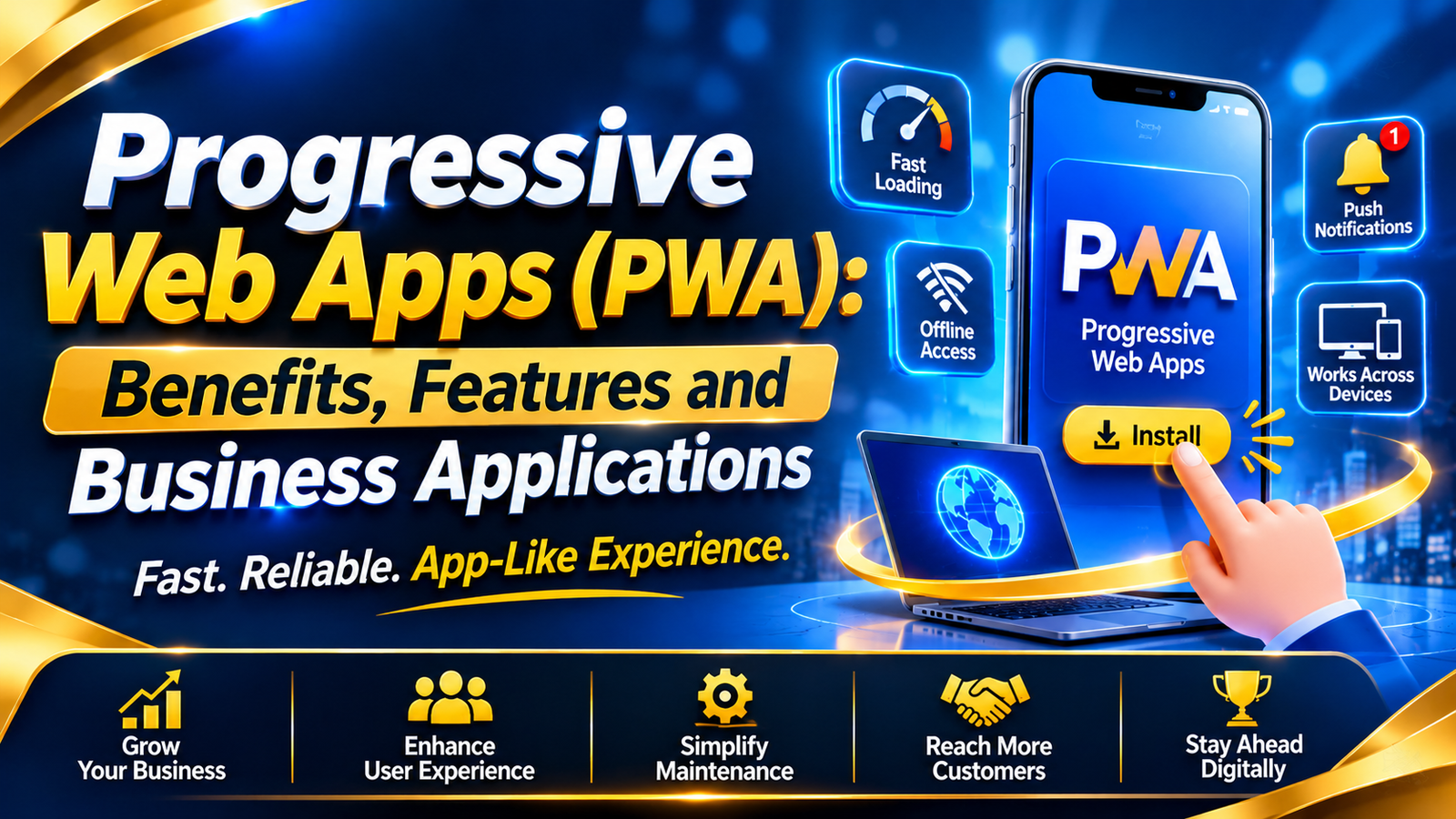
Progressive Web Apps (PWA): Benefits, Features and Business Applications
Introduction
People want websites that are fast, simple, and easy to use. They also expect a smooth experience on their mobile phones.
Businesses need to meet these expectations. A slow website can frustrate visitors. A difficult user experience can also affect customer engagement.
Progressive Web Apps (PWAs) offer a practical solution.
A PWA is a website that can provide many features of a mobile application. Users can open it in a browser. On supported devices, they can also install it on their home screen.
Some PWAs can even show saved content without an internet connection.
This makes PWAs useful for online stores, education platforms, travel services, and other businesses.
In this guide, we explain how PWAs work, why businesses use them, and when they are the right choice.
What Is a Progressive Web App (PWA)?
A Progressive Web App is a web application that offers an app-like experience.
It uses modern web technologies to provide features such as:
- Installation on supported devices.
- Access to saved content without the internet.
- Push notifications on supported platforms.
- Mobile-friendly page layouts.
- Fast and smooth navigation.
A PWA does not always need an app store. Users can open it directly through a website link.
Example: An online shopping website can work as a normal website and also offer an installable experience on supported devices.
In simple words, a PWA combines the accessibility of a website with selected features of a mobile app.
How Does a Progressive Web App Work?
A PWA uses standard web technologies. Each technology has a different role.
1. HTML, CSS and JavaScript
These are the basic technologies used to build a PWA.
- HTML: Creates the page structure.
- CSS: Controls colours, fonts, and layouts.
- JavaScript: Adds interactive features.
Together, they create the application's design and functionality.
2. Web App Manifest
A web app manifest is a JSON file.
It tells the browser how the application should appear when installed.
It can contain:
- App name.
- App icons.
- Start page.
- Display mode.
- Theme colour.
This file helps supported browsers present the website as an installed application.
3. Service Workers
A service worker is a JavaScript file that runs separately from the main web page.
It helps a PWA manage certain tasks in the background.
For example, it can:
- Save website files.
- Display cached pages offline.
- Manage network requests.
- Support push notifications.
Service workers need a secure connection, such as HTTPS, except in local development environments.
4. HTTPS Security
HTTPS protects the connection between a website and its visitors.
It also allows websites to use important browser features, including service workers.
For this reason, HTTPS is essential for a production PWA.
5. Caching
Caching means saving selected files or content for later use.
For example, a shopping website may save its layout and some product information.
Users may then open that saved content without an internet connection.
However, live features such as online payments and real-time stock updates still need internet access.
Key Features of Progressive Web Apps
A PWA can offer several useful features.
| Feature | What It Means | Why It Matters |
| Installation | Users can add the app to supported devices. | Easier access |
| Offline access | Saved content can open without internet. | Better availability |
| Responsive design | The layout adjusts to screen size. | Better usability |
| Push notifications | Users receive updates with permission. | Customer engagement |
| Caching | Selected files are saved for later use. | Faster repeat visits |
| Web-based updates | New content can be delivered through deployment. | Easier maintenance |
| Cross-platform access | Works across many supported browsers. | Wider reach |
These features can make digital services easier to access. However, support varies by browser and operating system.
Benefits of PWAs for Businesses
PWAs can help businesses improve their digital services. Here are six important benefits.
1. Reach More Customers
Customers can open a PWA through a simple web link.
They do not need to visit an app store before using it.
Businesses can share the link through:
- Google search.
- Social media.
- Email campaigns.
- WhatsApp.
- Their official website.
- This makes the service easier to access.
2. Improve User Experience
A good PWA offers simple navigation and a mobile-friendly design.
Its layout can adjust to phones, tablets, and desktops.
This helps customers use the same service across different devices.
3. Offer Selected Offline Features
A PWA can save useful content for offline access.
For example, students may open previously saved study materials without internet access.
An online store may also show cached product information.
However, users still need an internet connection for services that require live data.
4. Simplify Application Maintenance
A PWA can use one shared web codebase across supported platforms.
This may reduce the work involved in maintaining separate applications.
Businesses can also update their web application through their normal deployment process.
5. Improve Customer Engagement
PWAs can send push notifications on supported devices.
Businesses may use them to share:
- Order updates.
- Appointment reminders.
- New product announcements.
- Important service information.
- Users must give permission before receiving notifications.
- Businesses should send useful messages rather than frequent promotional alerts.
6. Support Business Growth
A PWA can make digital services easier to access.
For example, an online store can simplify product browsing. An education company can share learning materials. A delivery business can display order information.
Actual business results depend on the quality of the application, its users, and its implementation.
Business Applications of Progressive Web Apps
PWAs can support many industries. Here are six common examples.
1. E-commerce
Online stores can use PWAs to make shopping easier.
Common features include:
- Product listings.
- Shopping carts.
- Order information.
- Customer accounts.
- Promotional notifications.
- A well-designed PWA can help customers browse products on different devices.
2. Education
Schools, colleges, and online learning companies can use PWAs to share educational content.
Examples include:
- Online courses.
- Study notes.
- Practice tests.
- Student dashboards.
- Saved learning materials.
- Students may access selected saved materials even when the internet is unavailable.
3. Healthcare
Healthcare organizations can use PWAs to provide digital services.
Examples include:
- Appointment booking.
- Clinic information.
- Patient service portals.
- Health-related updates.
- Healthcare applications must protect sensitive information and follow relevant privacy and security requirements.
4. Banking and Finance
Financial organizations can use web applications for selected customer services.
These may include:
- Account information.
- Customer support.
- Service requests.
- Financial education.
- Banking applications need strong security and suitable authentication.
5. Travel and Hospitality
Travel companies can use PWAs to help customers manage travel information.
Useful features include:
- Booking details.
- Travel schedules.
- Reservation updates.
- Destination information.
- Customer notifications.
- Saved travel information may remain available offline if the application supports it.
6. Logistics and Delivery
Delivery companies can use PWAs to share order and shipment information.
For example, customers may check delivery status through a web link.
Live tracking still requires an active connection and updated location data.
PWA vs Native Mobile App
A PWA and a native mobile app both provide digital services. However, they use different technologies and offer different capabilities.
| Comparison | PWA | Native App |
| Access | Through a web link | Through app installation |
| Installation | Supported browser installation | App store or supported distribution |
| Technology | Web technologies | Native or platform-specific technologies |
| Updates | Website deployment | App update process |
| Offline use | Through planned caching | Through app storage and logic |
| Device features | Depends on browser support | Often broader access |
| Maintenance | Shared code may be possible | May require platform-specific work |
When Should a Business Choose a PWA?
A PWA may be suitable when a business needs:
- A mobile-friendly website.
- Easy access through a link.
- Selected offline features.
- A shared experience across devices.
- A simpler update process.
When Is a Native App a Better Choice?
A native app may be better when a product needs:
- Advanced device features.
- Complex background tasks.
- Deep operating system integration.
- High-performance device-specific functions.
The best option depends on project requirements. A PWA is not automatically better than a native app.
PWA Development Process
Building a PWA requires planning, development, and testing.
Follow these seven steps.
Step 1: Understand Business Needs
First, decide what the application should do.
Identify the target users, main features, and business goals.
Step 2: Design the Application
Create a simple design for mobile phones and desktops.
Keep navigation clear. Make important actions easy to find.
Step 3: Develop the Website
Build the application using HTML, CSS, JavaScript, and other suitable technologies.
Make sure the main features work correctly.
Step 4: Add the Web App Manifest
Create a manifest file with the app name, icons, start URL, and display settings.
Step 5: Configure Service Workers
Set up caching and offline features.
Decide which pages and files users should be able to access without internet access.
Step 6: Test the Application
Test the PWA on different devices and browsers.
Check:
- Page loading.
- Installation.
- Offline access.
- Navigation.
- Security.
- Mobile layout.
Step 7: Launch and Improve
Publish the application and monitor its performance.
Use customer feedback to fix problems and improve the experience.
Challenges of Progressive Web Apps
PWAs offer many benefits, but they also have limitations.
1. Different Browser Support
Some PWA features work differently across browsers and operating systems.
2. Limited Device Access
A browser may not provide access to every feature available in a native app.
3. Offline Features Need Planning
Developers must decide what content to save and how to update it.
4. Notification Permission
Users can choose whether to allow notifications.
5. Complex Application Needs
Some applications require advanced device features. A native app may be more suitable for those projects.
Understanding these challenges before development helps businesses make better decisions.
Best Practices for PWA Development
Follow these practices to build a reliable PWA:
- Use HTTPS.
- Create a valid web app manifest.
- Use a mobile-friendly design.
- Configure service workers carefully.
- Save only the content needed offline.
- Optimise images and scripts.
- Keep navigation simple.
- Ask for notification permission at the right time.
- Test on different browsers and devices.
- Review performance and security regularly.
How to Choose the Right PWA Development Solution
Before starting a PWA project, consider these questions.
What is the business goal?
Decide whether you want to improve customer access, online sales, learning, or another service.
Who will use the application?
Understand your customers' devices, browsers, and internet access.
Which features are necessary?
List the features your users actually need.
What security is required?
Plan for secure login, data protection, and suitable access controls.
Can the application grow?
Choose an approach that can support future features and more users.
A good PWA should solve a real business problem. It should not add features that customers do not need.
Web and Mobile Application Development with Riotech
Businesses need digital solutions that match their goals and customer needs.
Riotech offers web and mobile development services that businesses can explore for their projects.
Explore the services:
Web Development Solutions - Explore web development services.
Mobile Application Development - Explore mobile app development options.
Contact Riotech - Discuss your business requirements.
The right development approach depends on the features, integrations, security, and platforms required.
Frequently Asked Questions
1. What is a PWA in simple words?
A PWA is a website that can work like a mobile application. It can offer installation, offline content, and other app-like features on supported devices.
2. Do PWAs work without the internet?
Yes. A PWA can show content saved on the device. However, live features such as online payments and real-time updates need an internet connection.
3. Can I install a PWA on my phone?
Yes. Supported browsers and devices allow users to install or add a PWA to their home screen.
4. Do PWAs need an app store?
No. Users can open a PWA through a website link. App store distribution is not required for basic web access.
5. Which technologies are used to build a PWA?
Developers commonly use HTML, CSS, JavaScript, a web app manifest, service workers, and HTTPS.
6. Are PWAs better than native apps?
Not in every situation. PWAs are useful for web-based services. Native apps may be better when advanced device features are important.
7. Can PWAs send notifications?
Yes. Supported browsers and platforms can send push notifications after the user gives permission.
8. Are PWAs useful for e-commerce?
Yes. An e-commerce PWA can support product browsing, shopping carts, and order information. Its final features depend on the design and development.
9. Does a PWA improve Google rankings?
Not automatically. Search rankings depend on content quality, technical SEO, mobile usability, page performance, and other factors.
10. How much does PWA development cost?
The cost depends on the design, features, integrations, security, and project complexity. A simple PWA usually requires less work than a large business application.
Conclusion
Progressive Web Apps give businesses another way to provide digital services.
They combine website access with useful app-like features. These include installation, offline content, and notifications on supported platforms.
PWAs can be useful for online stores, education platforms, travel services, and delivery businesses.
However, every project has different needs. Businesses should compare PWAs with native apps before making a decision.
With clear goals, good design, and proper development, a PWA can become a valuable part of a business's digital strategy.
Visit: Riotech Softwares