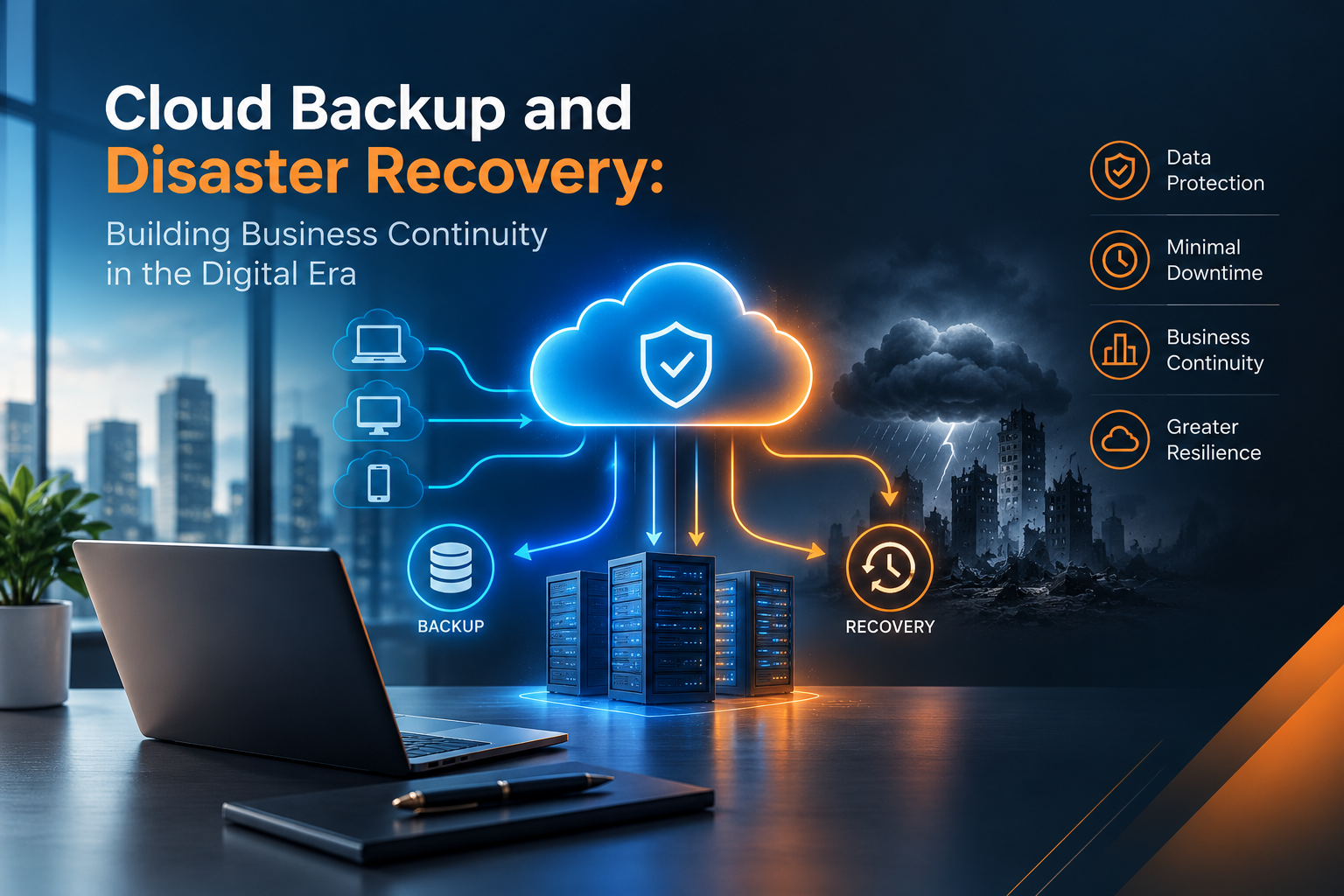
Cloud Backup and Disaster Recovery: Building Business Continuity
Cloud Backup and Disaster Recovery: Building Business Continuity in the Digital Era
Businesses today rely heavily on digital systems, applications, databases, cloud platforms, and online infrastructure. While technology improves productivity and accessibility, it also introduces new operational risks. Hardware failures, cyberattacks, accidental data deletion, software issues, power outages, and natural disasters can interrupt critical business operations.
A strong cloud backup and disaster recovery strategy helps organizations protect important data and recover essential systems when unexpected incidents occur. Rather than treating backup as simply a method of storing copies of files, modern businesses are increasingly using cloud-based recovery strategies as an important part of their overall business continuity planning.
What Is Cloud Backup?
Cloud backup is the process of securely copying business data to remote cloud-based storage. Instead of keeping important information only on local computers, servers, or physical storage devices, businesses maintain additional copies in a protected cloud environment.
Depending on business requirements, cloud backup can include:
- Business databases
- Documents and files
- Application data
- Website data
- Customer information
- Financial records
- System configurations
- Virtual machines
- Email and collaboration data
Cloud backup can also support automated backup schedules, centralized management, encryption, access controls, and data retention policies.
What Is Disaster Recovery?
Disaster recovery focuses on restoring IT systems and business operations after a disruptive event.
While backup primarily focuses on preserving data, disaster recovery addresses a broader question:
How quickly can a business restore its systems and continue operating after an incident?
A disaster recovery plan may include procedures for recovering:
- Servers
- Applications
- Databases
- Websites
- Network infrastructure
- Cloud workloads
- Business-critical systems
An effective strategy combines reliable backups with documented recovery procedures and clearly defined responsibilities.
Why Business Continuity Matters
Even a temporary IT disruption can affect customer service, employee productivity, revenue, and business reputation.
For example, if a critical database becomes unavailable, employees may be unable to access customer information or process transactions. If a business website or application goes offline, customers may also be unable to access important services.
Business continuity planning helps organizations prepare for such situations instead of reacting to them after an incident occurs.
The objective is not necessarily to prevent every disruption, but to ensure that the business has a structured process for responding to and recovering from unexpected events.
Common Threats to Business Data
Businesses face a wide range of risks that can result in data loss or system downtime.
Cyberattacks
Ransomware and other cyber threats can make business data inaccessible or compromise critical systems.
Hardware Failure
Servers, storage devices, networking equipment, and other hardware components can fail unexpectedly.
Human Error
Accidental deletion, incorrect configuration, or overwriting important files can result in data loss.
Software Failures
Application errors, failed updates, compatibility issues, or corrupted databases can disrupt business operations.
Natural Disasters
Floods, fires, storms, and other physical events can affect offices and on-premises infrastructure.
Power and Connectivity Issues
Extended power outages or network failures can prevent employees and customers from accessing business systems.
A comprehensive backup and recovery strategy helps organizations prepare for different types of disruption.
How Cloud Backup Supports Business Continuity
Cloud backup can strengthen business continuity by providing an additional layer of protection for critical information.
Automated and secure cloud-based backup allows organizations to maintain protected copies of important business data while reducing dependence on a single physical infrastructure.
Businesses can explore RioTech’s Cloud Solutions to learn more about cloud infrastructure, cloud security, data backup, server management, and backup and recovery solutions for modern business environments.
1. Automated Data Protection
Automated backups reduce dependence on employees remembering to manually copy important files.
Organizations can define backup schedules according to the importance and frequency of data changes. Regular automation can help reduce the risk of missing critical backup cycles.
2. Off-Site Data Protection
Keeping backup copies away from the primary infrastructure can reduce the impact of physical incidents affecting the main business location.
If an organization's primary server environment is affected by a physical incident, remotely stored backup data can provide an additional recovery option.
3. Scalable Storage
Business data continues to grow as organizations add customers, applications, transactions, documents, and digital services.
Cloud environments can provide flexible storage capacity, allowing businesses to adjust their infrastructure as their requirements change.
4. Faster Recovery
When appropriate recovery systems are in place, cloud infrastructure can help organizations restore data and systems efficiently.
The actual recovery time depends on factors such as data volume, infrastructure, network capacity, system architecture, and the organization's recovery strategy.
5. Centralized Management
Cloud-based backup environments can provide centralized tools for managing backup schedules, monitoring operations, configuring policies, and reviewing recovery status.
This can simplify backup management for businesses with multiple applications or infrastructure environments.
Understanding RPO and RTO
Two important concepts in disaster recovery planning are Recovery Point Objective (RPO) and Recovery Time Objective (RTO).
Recovery Point Objective
RPO defines how much recent data a business can afford to lose following an incident.
For example, an organization with a one-hour RPO may aim to recover data from within the previous hour.
The appropriate RPO depends on how frequently business data changes and how much data loss the organization can tolerate.
Recovery Time Objective
RTO defines the target time within which a system or business service should be restored after a disruption.
For example, a business may establish an RTO of four hours for a critical application.
Different systems may have different RTO requirements depending on their importance to business operations.
Cloud Backup vs Traditional Backup
Traditional backup approaches may rely heavily on physical storage devices or infrastructure located within the same business environment.
Cloud backup provides an alternative approach by storing backup copies remotely through cloud infrastructure.
| Feature | Traditional Backup | Cloud Backup |
|---|---|---|
| Storage location | Often local | Remote/cloud-based |
| Scalability | Hardware-dependent | More flexible |
| Automation | Depends on setup | Commonly supported |
| Remote management | May be limited | Generally easier |
| Infrastructure | Requires physical equipment | Cloud infrastructure |
| Off-site protection | Requires separate setup | Can be incorporated into the strategy |
The right approach depends on an organization's infrastructure, compliance requirements, budget, recovery objectives, and business needs.
Best Practices for Cloud Backup and Disaster Recovery
Simply having cloud storage does not automatically create an effective disaster recovery strategy. Businesses should establish clear processes and security controls.
Follow the 3-2-1 Backup Principle
A commonly used backup approach involves maintaining multiple copies of important data across different storage types and locations.
This strategy can reduce the risk of losing all copies during a single incident.
Encrypt Sensitive Data
Sensitive business information should be protected through appropriate encryption and security controls during storage and transmission.
Test Backups Regularly
A backup is only useful if it can actually be restored.
Regular recovery testing can help organizations identify failed backups, configuration problems, corrupted data, or gaps in recovery procedures before an actual emergency occurs.
Control Access
Backup systems should use appropriate authentication, authorization, and access controls to reduce the risk of unauthorized access or modification.
Access should be provided only to employees and systems that require it.
Maintain Recovery Documentation
Employees should understand what steps to follow during an IT incident.
Recovery procedures should document responsibilities, escalation processes, system priorities, and recovery steps.
Monitor Backup Activity
Organizations should monitor backup jobs and investigate failed or incomplete backups rather than assuming that every scheduled backup has completed successfully.
The Role of Disaster Recovery in Cybersecurity
Backup and cybersecurity should work together.
A business may have reliable backups but still face significant risks if attackers can access, modify, or delete those backups.
Organizations should therefore consider security measures such as:
- Multi-factor authentication
- Access restrictions
- Encryption
- Backup isolation
- Monitoring and alerts
- Secure credentials
- Regular recovery testing
- Appropriate retention policies
These controls can help strengthen the overall resilience of backup infrastructure.
How Businesses Can Build a Disaster Recovery Strategy
A practical disaster recovery strategy can begin with the following steps.
Step 1: Identify Critical Systems
Determine which applications, databases, files, and services are essential to business operations.
Step 2: Assess Potential Risks
Identify threats such as cyberattacks, hardware failures, human error, infrastructure outages, and physical incidents.
Step 3: Define RPO and RTO
Establish acceptable data-loss and recovery-time requirements for critical systems.
Step 4: Select Backup Methods
Choose appropriate backup frequency, storage locations, retention policies, and recovery technologies based on business requirements.
Step 5: Create Recovery Procedures
Document the process for restoring systems and assign responsibilities to relevant team members.
Step 6: Test the Plan
Conduct regular recovery exercises to verify that backup data and recovery procedures work as expected.
Step 7: Review and Improve
Update the disaster recovery plan as applications, infrastructure, employees, and business requirements change.
How Cloud Solutions Support Modern Businesses
Cloud technology has become an important component of modern IT infrastructure. Beyond backup and disaster recovery, cloud environments can support data storage, application hosting, infrastructure management, security, collaboration, and business scalability.
For organizations evaluating cloud infrastructure, RioTech’s Cloud Solutions can be considered as part of a broader strategy for cloud infrastructure, security, data backup, server management, and business continuity.
The right cloud strategy should be based on the organization's operational requirements, security needs, existing infrastructure, and long-term technology goals.
Why Businesses Should Invest in Business Continuity
Business continuity is not only about recovering from major disasters. It is about maintaining operational resilience when unexpected disruptions occur.
A well-designed cloud backup and disaster recovery strategy can help businesses:
- Reduce the impact of downtime
- Protect critical information
- Improve recovery readiness
- Support operational resilience
- Reduce dependence on a single infrastructure location
- Strengthen IT risk management
- Maintain essential services during disruptions
Business continuity planning can also provide organizations with a structured framework for responding to incidents rather than making critical decisions during an emergency.
Future of Cloud Backup and Disaster Recovery
As businesses continue adopting cloud platforms, SaaS applications, remote work environments, AI systems, and digital services, the importance of reliable data protection and recovery strategies is also increasing.
Future-ready businesses are likely to focus not only on storing backup copies but also on automation, cybersecurity, continuous monitoring, recovery testing, and integration across multiple IT environments.
The combination of cloud infrastructure, backup automation, security controls, and well-defined recovery procedures can create a more resilient technology environment.
Conclusion
In the digital era, data and technology are central to business operations. Losing access to critical information or systems can create significant operational and financial challenges.
Cloud backup and disaster recovery provide businesses with a structured approach to protecting data and preparing for unexpected disruptions. However, effective business continuity requires more than simply storing files in the cloud.
Organizations should combine secure backups, clearly defined recovery objectives, tested procedures, access controls, monitoring, and regular reviews.
By treating backup and disaster recovery as an essential part of their IT strategy, businesses can improve their preparedness and build greater resilience against technological and operational disruptions.
For businesses looking to strengthen their cloud infrastructure, backup, security, and recovery capabilities, RioTech’s Cloud Solutions provides a relevant starting point for exploring cloud-based technology services.