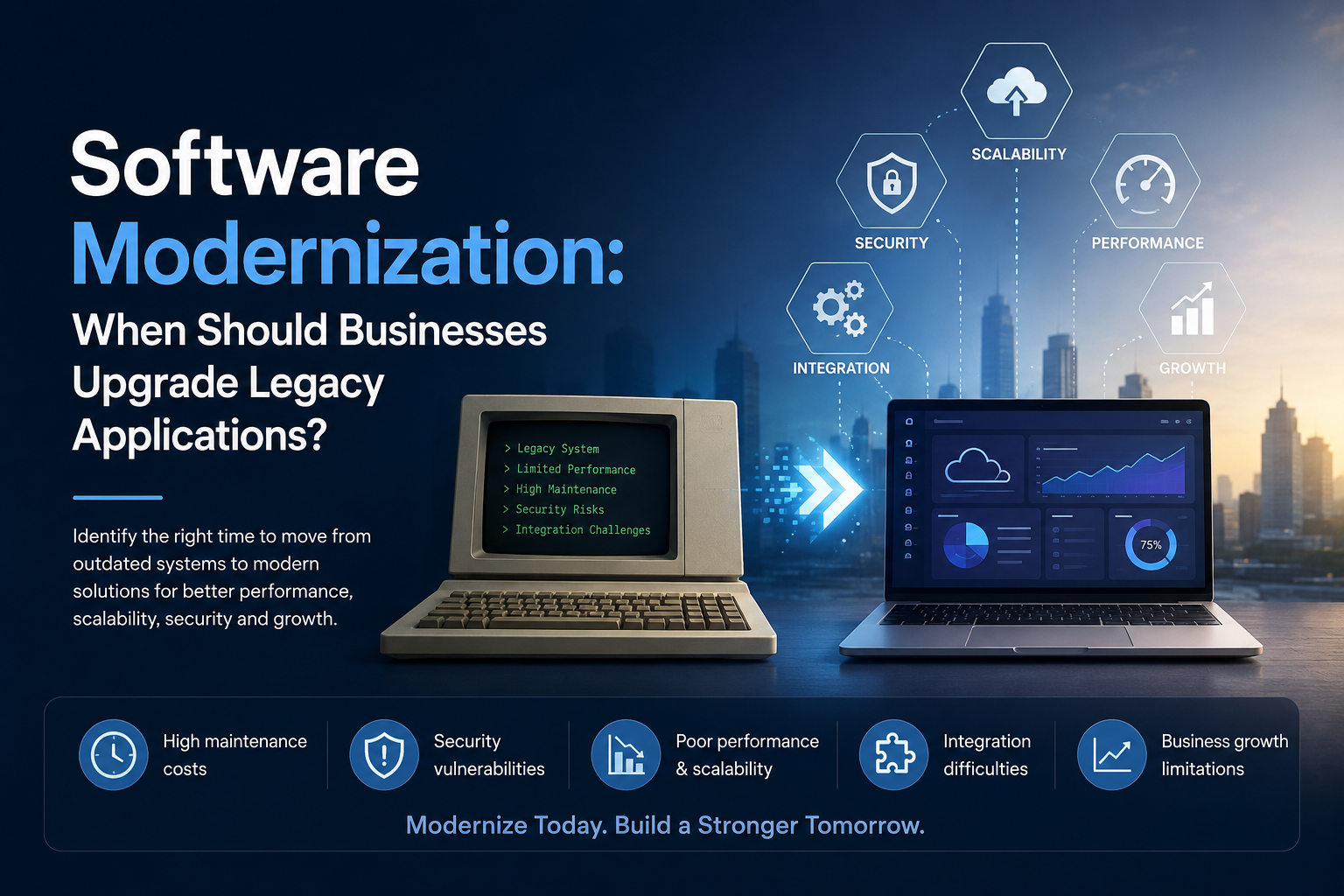
Software Modernization: When Should Businesses Upgrade Legacy Applications?
Software Modernization: When Should Businesses Upgrade Legacy Applications?
Software modernization has become a strategic priority for businesses that depend on technology to manage operations, serve customers, and compete in rapidly changing markets. While legacy applications may continue to support critical business processes, outdated systems can gradually become expensive to maintain, difficult to integrate, and increasingly vulnerable to security and performance issues.
The challenge for businesses is knowing when legacy software should be upgraded, modernized, or replaced.
Modernization does not always mean completely rebuilding an application from scratch. Depending on the business situation, organizations can choose approaches such as rehosting, refactoring, replatforming, rebuilding, or replacing specific components.
For businesses evaluating their technology strategy, recognizing the right modernization signals can help reduce technical debt, improve operational efficiency, and create a stronger foundation for future growth.
What Is Software Modernization?
Software modernization is the process of updating an existing application, architecture, infrastructure, or technology stack to meet current business and technical requirements.
A legacy application may still perform its original function effectively, but its underlying technology could be outdated. It may rely on older programming languages, unsupported frameworks, outdated databases, on-premises infrastructure, or tightly coupled architecture.
Modernization can involve:
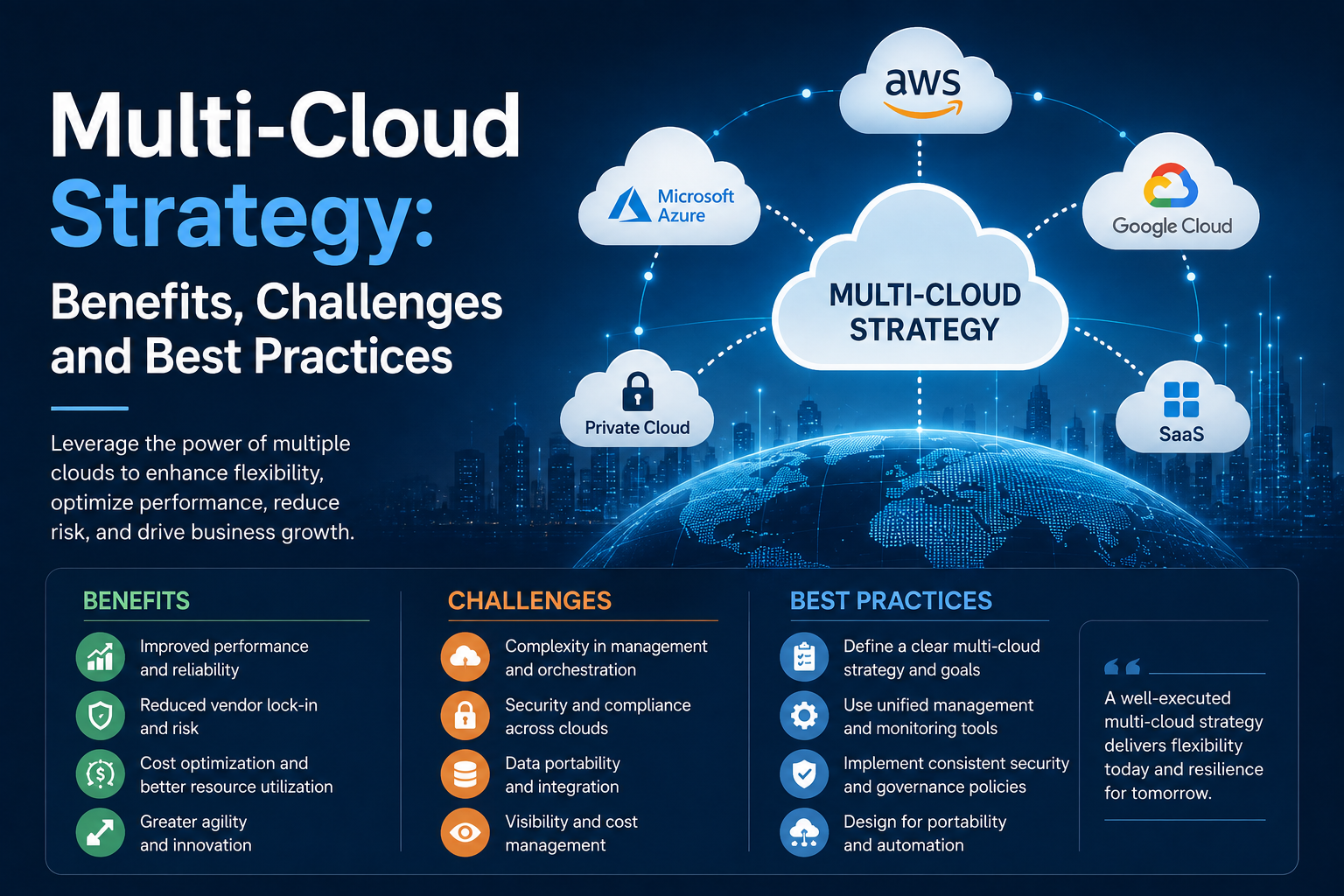
- Migrating applications to the cloud
- Updating outdated technology stacks
- Refactoring application code
- Modernizing databases
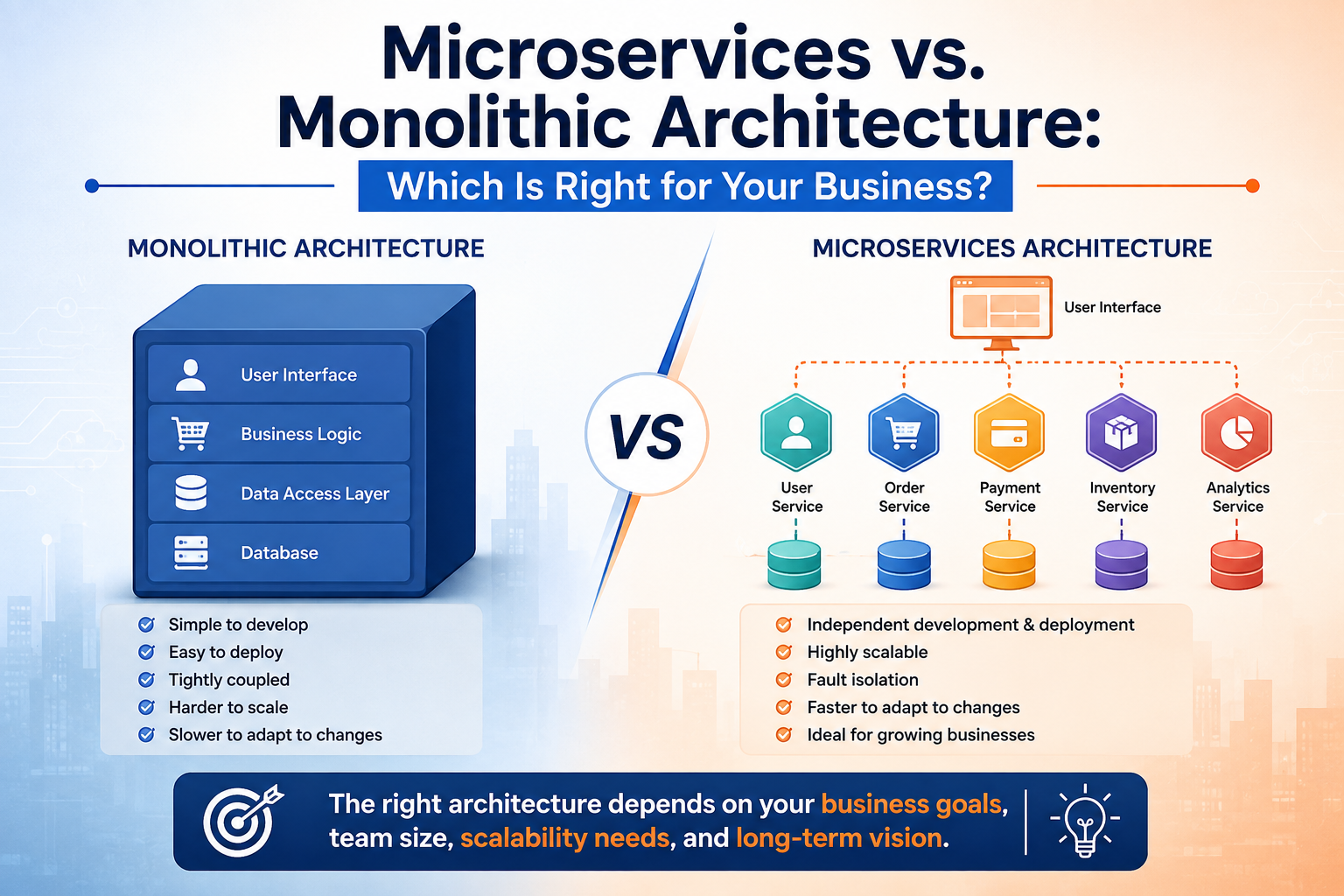
- Introducing APIs and microservices
- Improving application security
- Integrating AI and automation
- Improving user interfaces and experiences
- Implementing DevOps and CI/CD practices
- Replacing unsupported third-party dependencies
The objective is not simply to use newer technology. The goal is to make software more secure, scalable, maintainable, adaptable, and aligned with business objectives.
Why Legacy Applications Become a Business Challenge
Legacy software often develops gradually over many years. Businesses add features, integrations, customizations, and patches as requirements change.
Over time, this can create a complex technology environment.
Common challenges include:
1. Rising Maintenance Costs
Older applications frequently require specialized developers who understand outdated technologies. Finding and retaining these professionals can become increasingly difficult.
Businesses may also spend significant resources maintaining custom integrations, fixing recurring issues, and supporting obsolete infrastructure.
Modernization can help shift resources from constant maintenance toward innovation and new business initiatives.
2. Security Vulnerabilities
Unsupported operating systems, frameworks, libraries, and databases can introduce security risks.
When vendors stop providing security updates, businesses may find it difficult to protect applications against evolving threats.
For organizations handling customer information, financial data, or sensitive business information, outdated software can become a significant security concern.
3. Poor Application Performance
Legacy applications may struggle with modern workloads, increasing transaction volumes, or growing numbers of users.
Slow response times can affect both employees and customers.
Modern architectures can provide better resource utilization, scalability, caching, database performance, and infrastructure flexibility.
4. Limited Integration Capabilities
Modern businesses often depend on interconnected systems such as:
- CRM platforms
- ERP systems
- Payment gateways
- Cloud services
- Analytics platforms
- Mobile applications
- AI solutions
- Business intelligence tools
Legacy applications may not have modern APIs or integration capabilities, making it difficult to connect them with newer platforms.
5. Difficulty Scaling
An application designed for a smaller organization may not be capable of efficiently supporting rapid growth.
If scaling requires significant manual intervention or expensive hardware upgrades, the underlying architecture may need modernization.
Cloud-native architectures and scalable infrastructure can provide businesses with greater flexibility as demand changes.
7 Signs Your Business Should Consider Software Modernization
There is no universal deadline for replacing a legacy application. However, certain warning signs indicate that modernization should be evaluated.
1. Maintenance Costs Are Increasing
If a growing percentage of the IT budget is being spent keeping an old application operational rather than improving it, modernization may provide better long-term value.
A useful question is:
“Are we investing more money in maintaining the past than building for the future?”
If the answer is yes, it may be time to evaluate modernization options.
2. The Technology Is No Longer Supported
Unsupported technologies create operational and security risks.
If the application depends on an obsolete programming language, framework, operating system, database, or third-party component, businesses should assess its modernization requirements before support issues become critical.
3. Employees Are Struggling With the System
Technology should help employees work efficiently.
If users frequently rely on spreadsheets, manual data entry, workarounds, or separate tools because the legacy application lacks required functionality, modernization may significantly improve productivity.
4. Integration Has Become Difficult
If connecting the legacy system to modern applications requires complex custom development every time, the architecture may be limiting business agility.
API-driven architecture and modern integration technologies can make it easier to connect applications and services.
5. Customer Experience Is Suffering
Customers expect fast, reliable, and convenient digital experiences.
Legacy systems can make it difficult to provide:
- Faster transactions
- Mobile-friendly experiences
- Real-time information
- Personalized services
- Omnichannel interactions
- Digital self-service
If technology limitations are affecting customer satisfaction, modernization should become a strategic consideration.
6. The Application Cannot Scale With Business Growth
Growth can expose weaknesses in legacy architecture.
Increasing users, transactions, data volumes, or geographic expansion can create performance problems.
If the application cannot efficiently scale without major infrastructure investment, modernization can provide a more sustainable foundation.
7. Your Business Wants to Adopt AI or Automation
Artificial intelligence and automation increasingly depend on accessible, structured, and integrated data.
Legacy applications may make it difficult to implement:
- AI-powered analytics
- Intelligent automation
- Predictive insights
- Chatbots
- Automated workflows
- Real-time reporting
Modernizing the underlying architecture can make it easier to introduce these capabilities.
Software Modernization Does Not Always Mean Rebuilding Everything
One of the biggest misconceptions about modernization is that businesses must replace their entire application immediately.
In reality, organizations can choose a modernization strategy based on business priorities, technical complexity, risk, and budget.
Rehosting
Often called “lift and shift,” rehosting moves an application to a newer infrastructure environment with minimal code changes.
It can be useful when businesses want to migrate quickly while postponing deeper application changes.
Replatforming
Replatforming involves moving an application to a newer platform while making limited modifications.
For example, a business may move an application to a managed cloud database or container platform.
Refactoring
Refactoring improves the internal structure of application code without fundamentally changing its external behavior.
It can improve maintainability, performance, and scalability.
Rearchitecting
Rearchitecting involves making more substantial changes to the application's architecture.
This may include transitioning from tightly coupled systems toward modular services, APIs, or cloud-native architectures.
Rebuilding
When the existing application has fundamental architectural limitations, rebuilding certain components or the entire application may be appropriate.
Replacing
Sometimes modernization is best achieved by replacing a legacy application with a modern commercial or custom-built solution.
The right approach depends on the application's business value, technical condition, and future requirements.
How Businesses Can Decide Whether to Modernize
Before starting a modernization project, businesses should conduct a structured assessment.
Step 1: Evaluate Business Value
Identify how important the application is to daily operations and revenue generation.
Consider:
- Business-critical processes
- Number of users
- Customer impact
- Revenue dependency
- Regulatory requirements
- Operational dependencies
Step 2: Assess Technical Health
Review the application's:
- Architecture
- Code quality
- Infrastructure
- Database
- Security
- Integrations
- Performance
- Scalability
- Technology support lifecycle
Step 3: Calculate the Total Cost of Ownership
Do not evaluate modernization based solely on project cost.
Compare modernization investment against the long-term cost of:
- Maintenance
- Infrastructure
- Security
- Downtime
- Technical support
- Development resources
- Lost productivity
- Missed business opportunities
Step 4: Define Future Requirements
Ask what the business will need over the next three to five years.
For example:
Does the business need cloud scalability, mobile applications, AI integration, real-time analytics, automation, or new customer-facing capabilities?
The answers can help determine the modernization strategy.
Step 5: Create a Phased Roadmap
Large modernization projects do not always need to happen simultaneously.
Businesses can prioritize high-impact components first and gradually modernize the remaining architecture.
A phased strategy can reduce operational disruption and make investment easier to manage.
Benefits of Modernizing Legacy Applications
A well-planned modernization strategy can deliver several long-term advantages.
Improved Security
Modern technologies and supported platforms can provide stronger security capabilities and easier patch management.
Better Performance
Optimized architecture, databases, infrastructure, and application code can improve responsiveness.
Greater Scalability
Modern applications can be designed to accommodate changing workloads and business growth.
Lower Technical Debt
Modernization can reduce dependence on outdated technologies and complicated workarounds.
Faster Innovation
Modern APIs, cloud services, development frameworks, and architectures can make it easier to introduce new features.
Improved User Experience
Modernized applications can provide more intuitive interfaces and better accessibility across devices.
Easier Integration
API-first and modular architectures can simplify integration with modern business systems.
Common Mistakes Businesses Should Avoid
Modernization projects can fail when organizations focus only on technology and overlook business requirements.
Some common mistakes include:
Modernizing without a clear business objective: Technology changes should solve measurable business problems.
Trying to modernize everything at once: Large-scale changes can increase risk and operational disruption.
Ignoring data migration: Data quality, compatibility, and governance are critical to modernization success.
Underestimating integration complexity: Legacy applications often have hidden dependencies.
Failing to involve users: Employees who rely on the application should be involved in requirements and testing.
Choosing technology before defining requirements: The right technology should support the business strategy rather than dictate it.
A Practical Software Modernization Roadmap
A typical modernization journey can follow these stages:
1. Discover → Inventory applications, dependencies, technologies, and business processes.
2. Assess → Evaluate technical health, security, performance, costs, and business value.
3. Prioritize → Identify applications and components that require immediate attention.
4. Strategize → Select the right modernization approach for each workload.
5. Plan → Establish timelines, resources, migration plans, testing processes, and risk controls.
6. Modernize → Implement changes through controlled development and migration phases.
7. Test → Validate functionality, performance, security, integrations, and user experience.
8. Optimize → Monitor the modernized environment and continuously improve it.
Conclusion
Legacy applications do not necessarily need to be replaced simply because they are old. The more important question is whether they continue to support the organization's security, performance, scalability, integration, and business growth requirements.
When maintenance costs increase, security becomes difficult to manage, integrations become complicated, users rely on workarounds, or the application prevents innovation, it may be time to consider software modernization.
A strategic, phased approach allows businesses to modernize critical systems while controlling costs and reducing operational risk.
Riotech Softwares helps businesses evaluate, modernize, and optimize software environments to create technology foundations that are more scalable, secure, and ready for future growth.